Create Project from Template
Using templates to start a new project will save you a lot of time. LoongTeX provides thousands of templates (🐶 currently there are fewer, but we will continuously add more), and in the future, anyone can submit projects for possible inclusion in the template library.
We Provide a Template Library
To create a document from a template, simply click "New Project" on the Project Management Page. A dialog will appear, click on the document type you want to create on the left side. As shown below👇
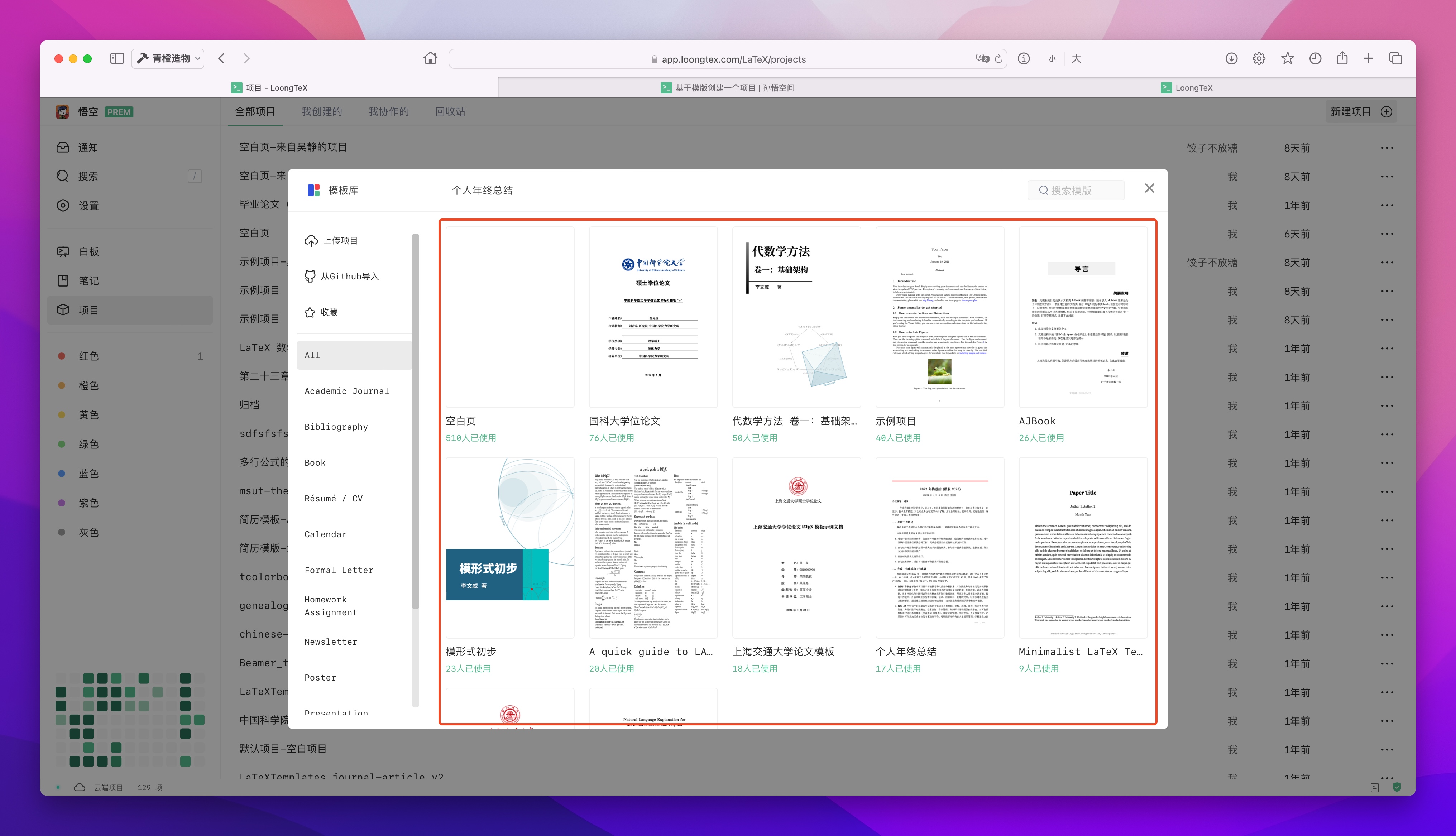
Create Project
You can select an appropriate one from there. As shown below👇
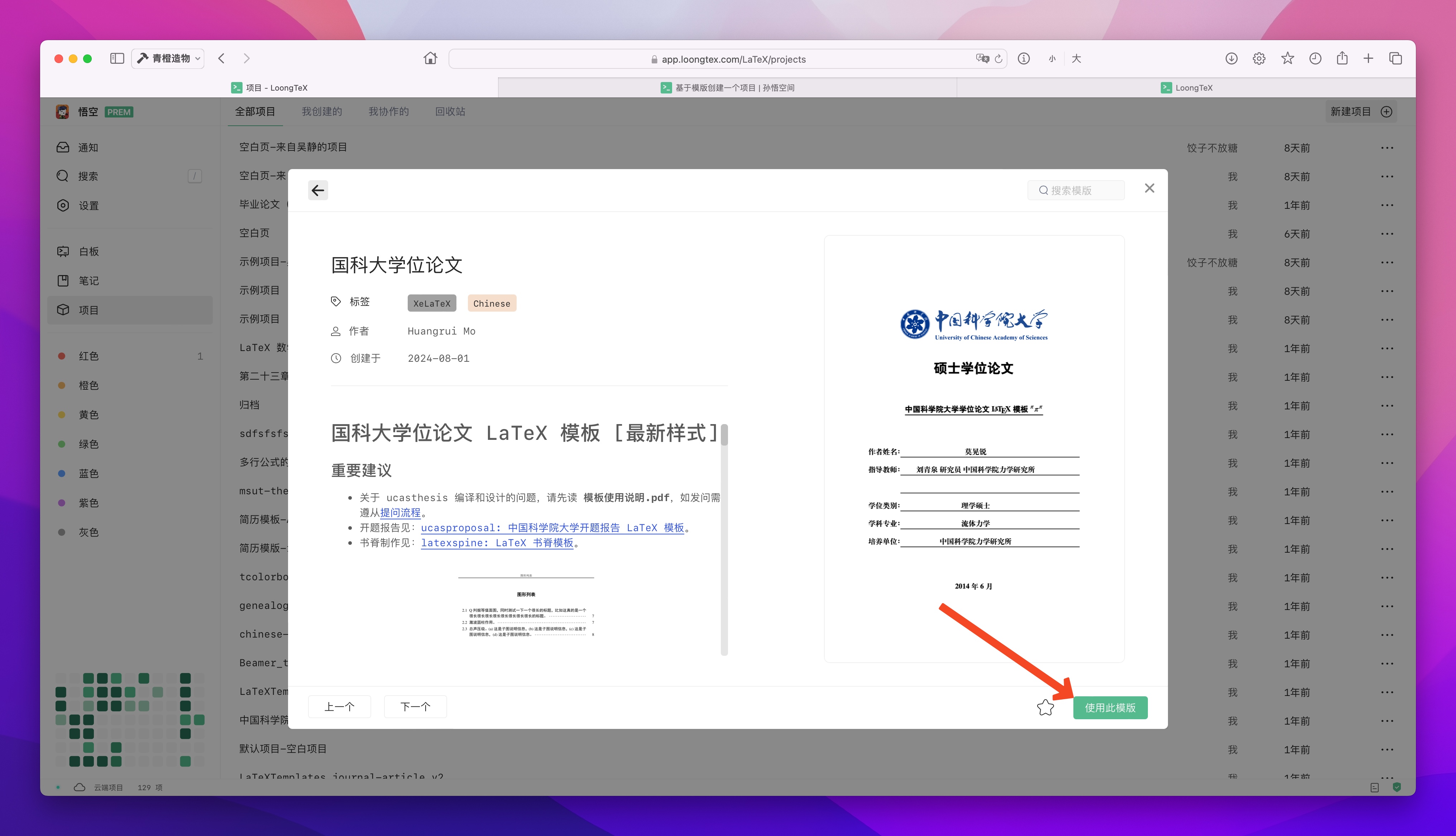
Then the page will redirect to the editor page, where you can directly edit or compile the project.
LoongTeX —— Making Research Happen Better
FOR TRUTH AND BEAUTY