Create a New Project
LoongTeX is an excellent online LaTeX editing tool that allows you to create LaTeX documents directly in your web browser. This article explains how to create a new project in LoongTeX, either through public Git repositories, uploading project archives from your computer, or using our numerous templates for direct creation.
Log in to LoongTeX
To start using LoongTeX, please visit our official website: http://www.loongtex.com
Start Creating
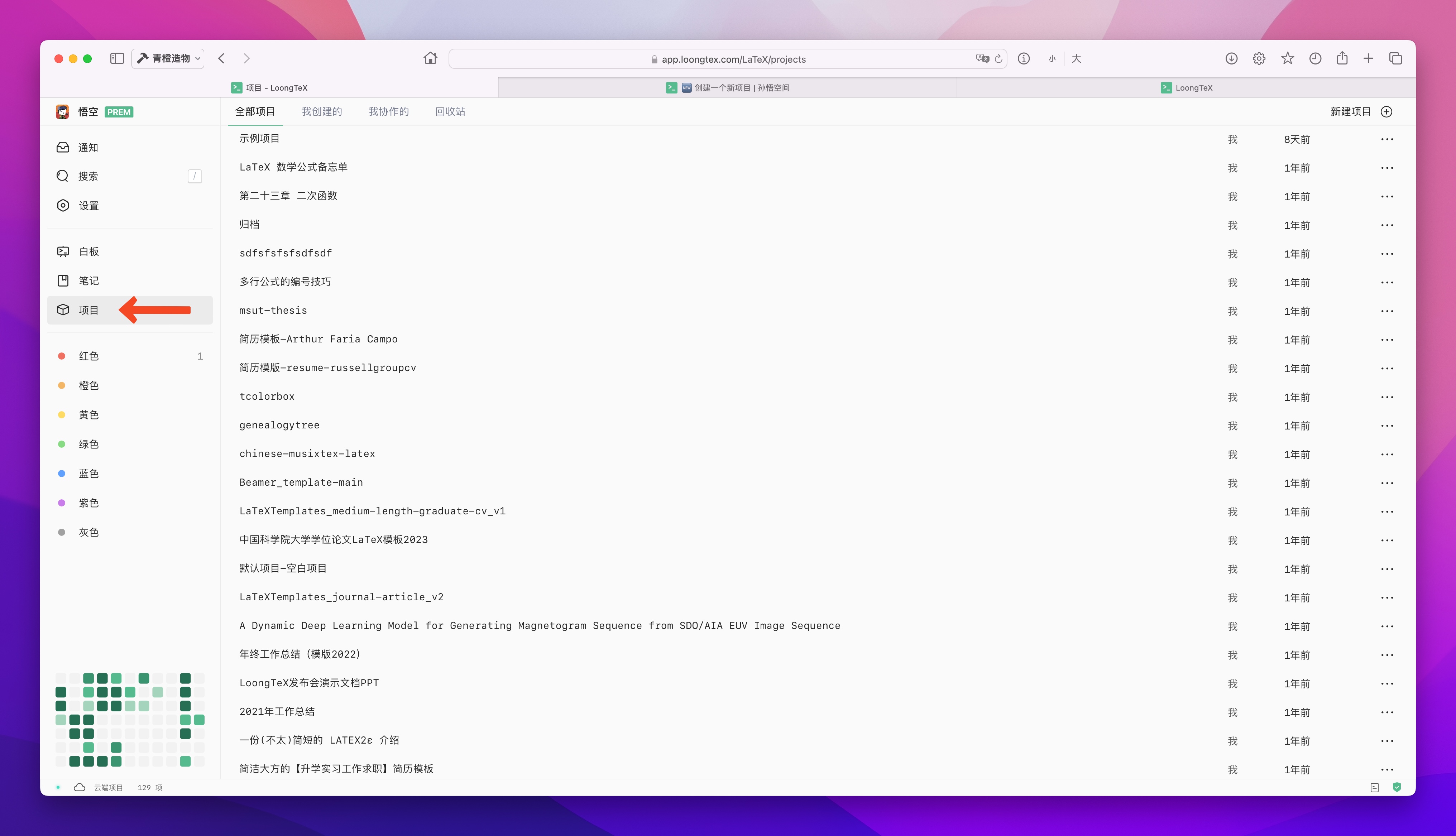
- It's simple, first click on "Projects" to switch to the Project Management Page; as shown below👇
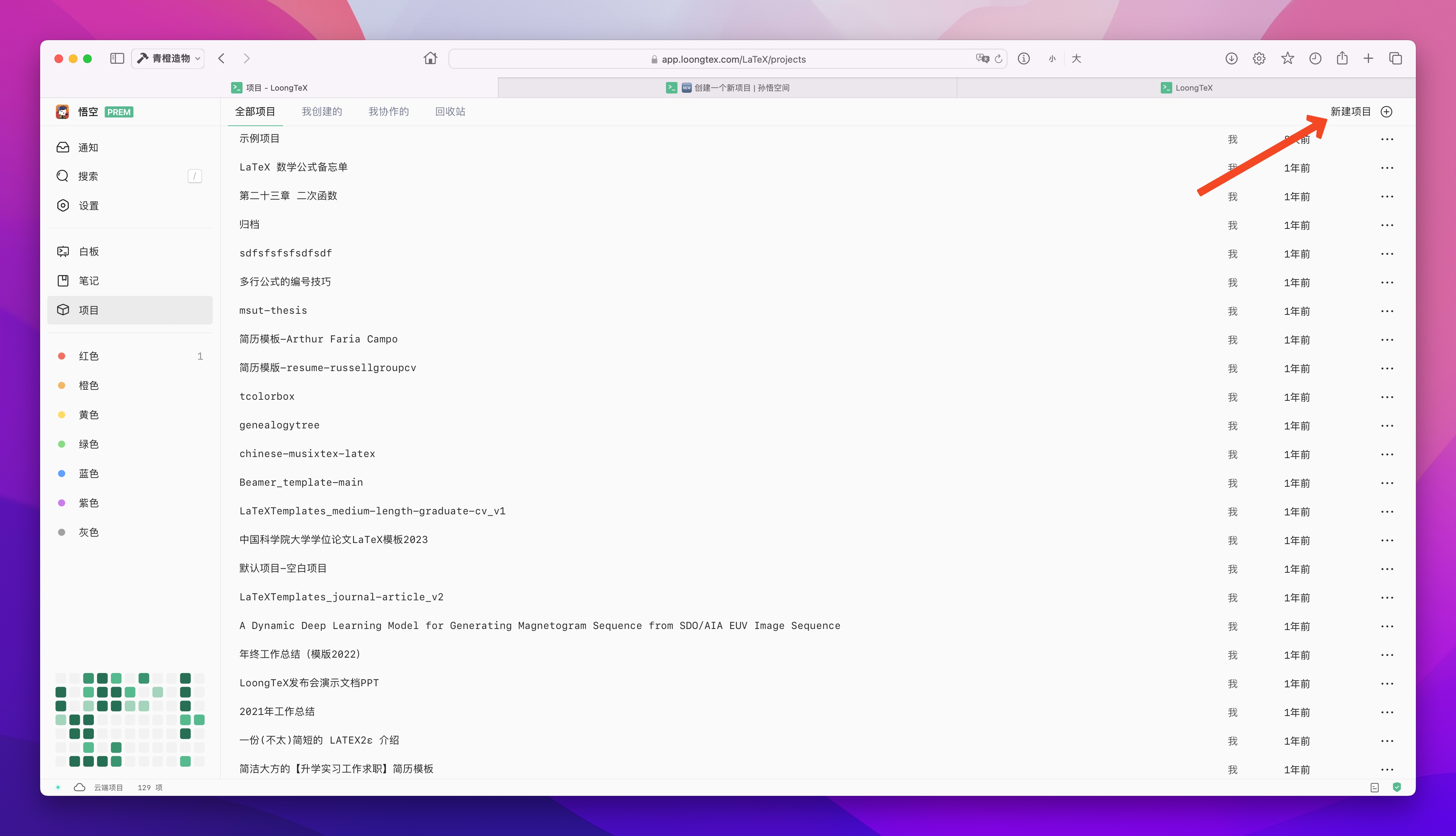
- Then click on "New Project" in the upper right corner; as shown below👇
- Next, the project creation dialog will appear. Everyone can choose different solutions based on their own situation to create their projects.
LoongTeX —— Making Research Happen Better
FOR TRUTH AND BEAUTY